


Your digital rights, explained simply.
Practical resources for women in vulnerable situations - online safety, digital rights and civic participation.
What will you learn?
Test your digital knowledge
10 questions — anonymous, no login, no personal data
Digital rights
You have rights — even online
Many of us use our phones every day — to send messages, search for information, see what others are doing.
But did you know that online you have rights — just like in everyday life?
This page explains what these rights are, and what you can do if someone violates them
🔒 The right to privacy
Your information is yours.
Your name, phone number, photos, messages — no one has the right to take them without your permission.
What this means in practice:
- If an app asks for too much personal information — you are not obliged to give it
- If someone photographs you without permission — they have violated your right
- Your messages are private — no one should read them without your consent
🗣️ The right to free expression
You have the right to express yourself online.
You can write, share thoughts, ask for help — online, just as you do in life.
What this means in practice:
- No one can force you to delete something you have written
- If someone sends you hateful or threatening messages — this is illegal
- You can block and report anyone who harasses you online
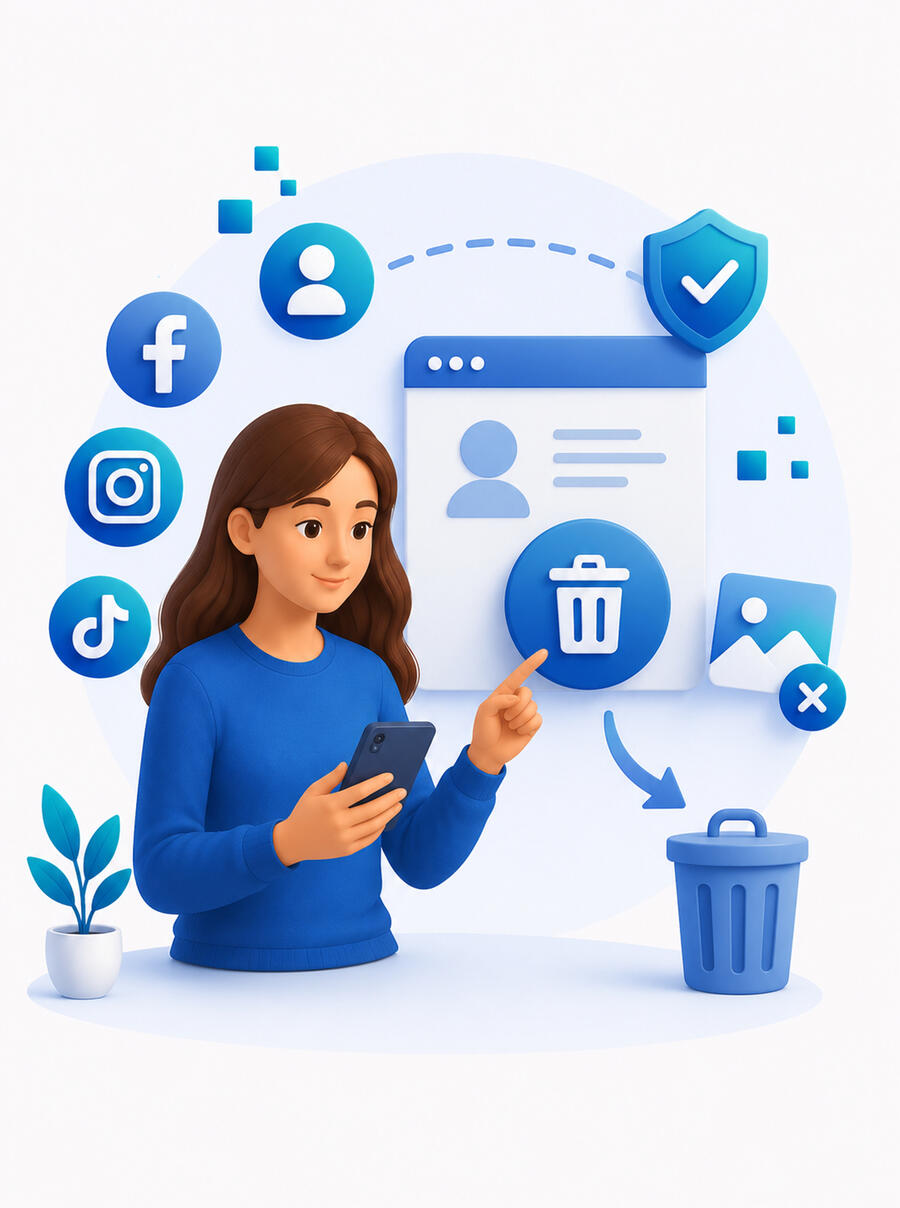
📵 The right to delete your information
Anything you have put online — you can remove.
If you have an account you no longer want, or posted something you wish to delete — you have the right to do so.
How it works:
- Every platform (Facebook, Instagram, TikTok) allows you to delete your account
- You can request the removal of information someone else posted about you
- You do not need to explain why — it is your right
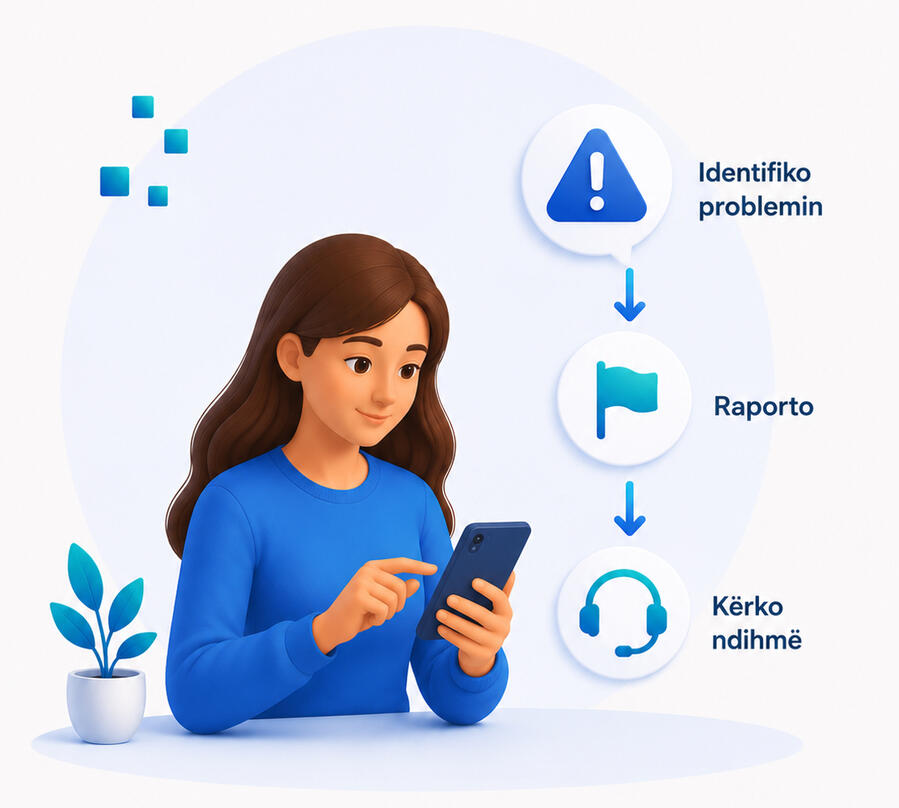
⚠️ How to recognise when something is wrong?
If any of these happen — something is not right:
1. Someone has accessed your account without your permission
2. Someone is posting your photos without asking you
3. You are receiving messages that frighten or upset you
4. Someone is pressuring you to delete something you wroteWhat you can do:
- Block the person immediately
- Report to the platform (every app has a "Report" button)
- Talk to someone you trust — staff at the organisation, or call 116 (helpline)💪 Remember
The internet is a public space. You have rights there — just like everywhere else. No one has the right to harm you, frighten you, or take your information without permission.
Online Safety
How to stay safe when you are online?
Not everyone online has good intentions.
This page shows you how to protect yourself — with simple, practical steps.
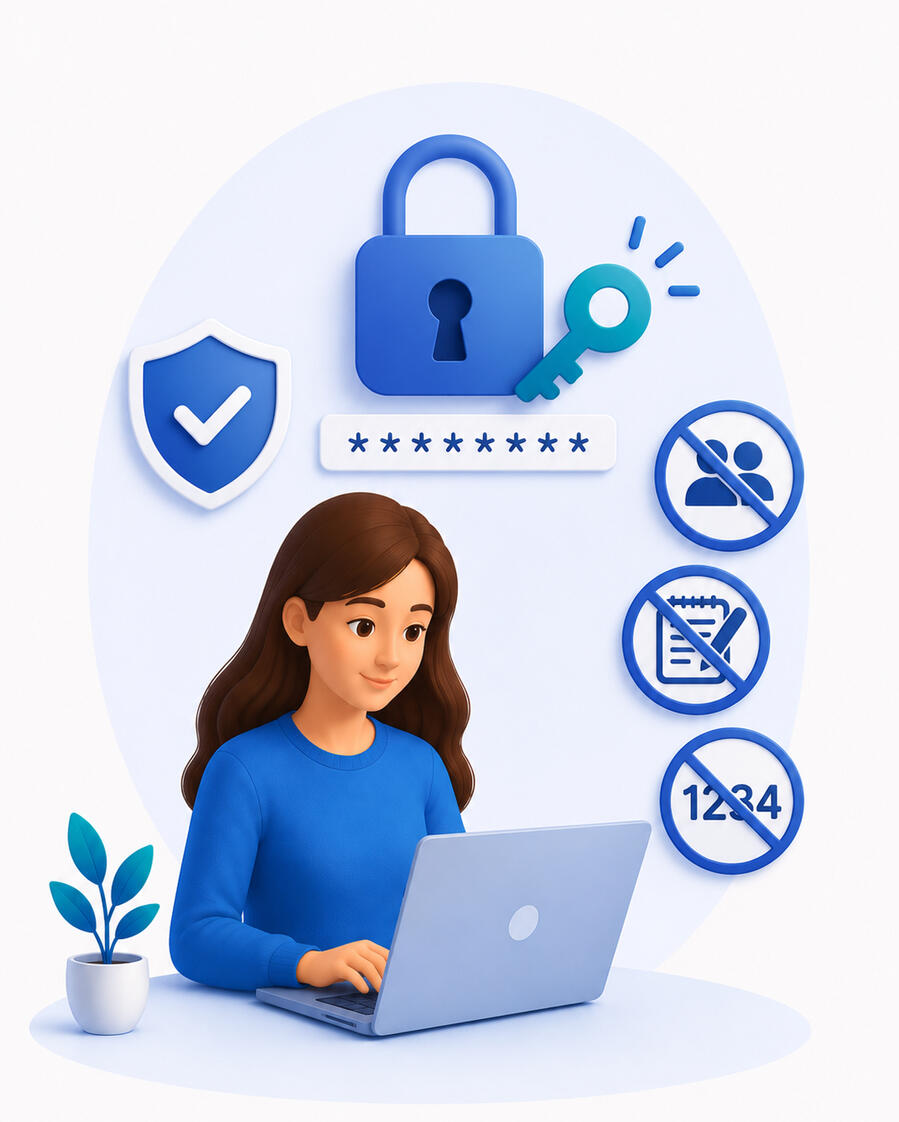
🔑 Passwords — the key to your account
A password is like the key to your home. If it is weak — someone can get in easily.
A good password:
• Has at least 8 characters
• Mixes numbers and letters — e.g. Flower2026!
• Is not your name, date of birth, or "1234"
• Is different for each account
What to never do:
• Never share your password with anyone — not a partner, not children, not friends
• Never write your password somewhere others can see it.
• If you suspect someone knows your password — change it immediately.
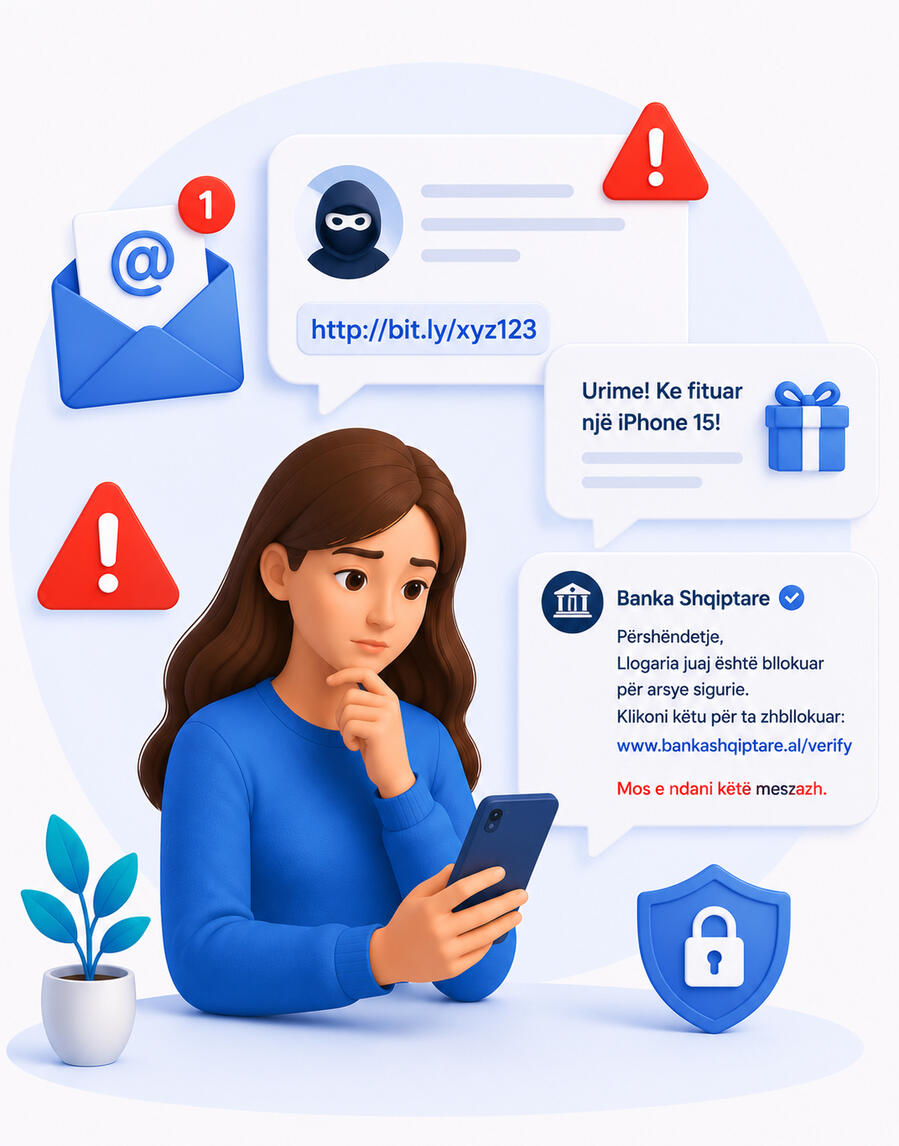
📩 Fake messages and emails
Sometimes we receive messages that look like they are from a bank, the police, or someone we know — but they are fake. This is called phishing.
How to recognise a fake message:
• It asks you to click a link immediately
• It asks for your password or card number
• It tells you that you have won something — a prize, money, a phone
• It has spelling mistakes or strange language
What to do:
• Do not click the link
• Do not give any information
• Delete the message
• If unsure — ask someone you trust
💡Remember: Banks and police never ask for passwords or personal information through messages.
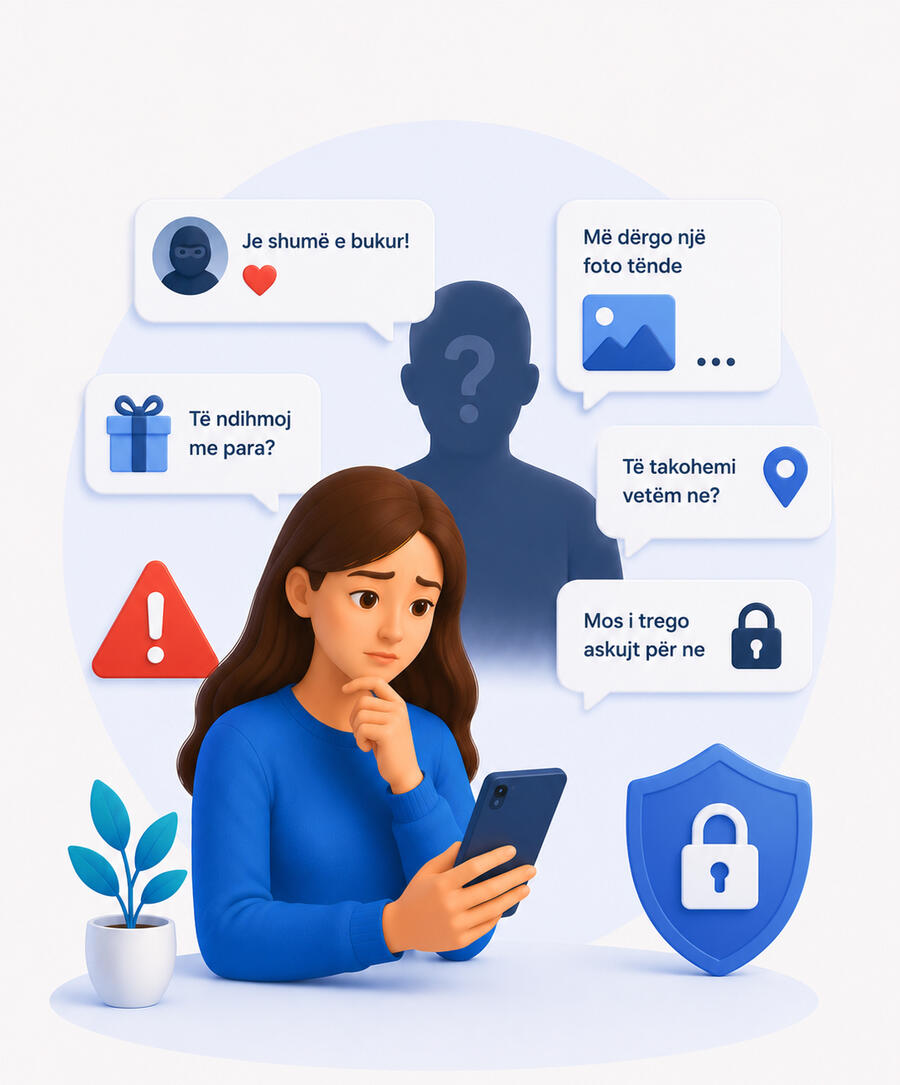
👤 Unknown people online
Sometimes an unknown person contacts us online — on Facebook, Instagram, WhatsApp. They may seem friendly, they may say nice things.
Signs that something is wrong:
• They ask for photographs — especially personal ones
• They ask to meet alone, without telling anyone
• They promise money, work, or help in exchange for something
• They ask you to keep the conversation secret
What to do:
• Do not accept friend requests from people you do not know
• Do not share personal photos with strangers
• If you feel uncomfortable — block them and talk to someone
⚠️Important: If someone online makes you feel scared or uncomfortable — it is not your fault. You have the right to protect yourself.
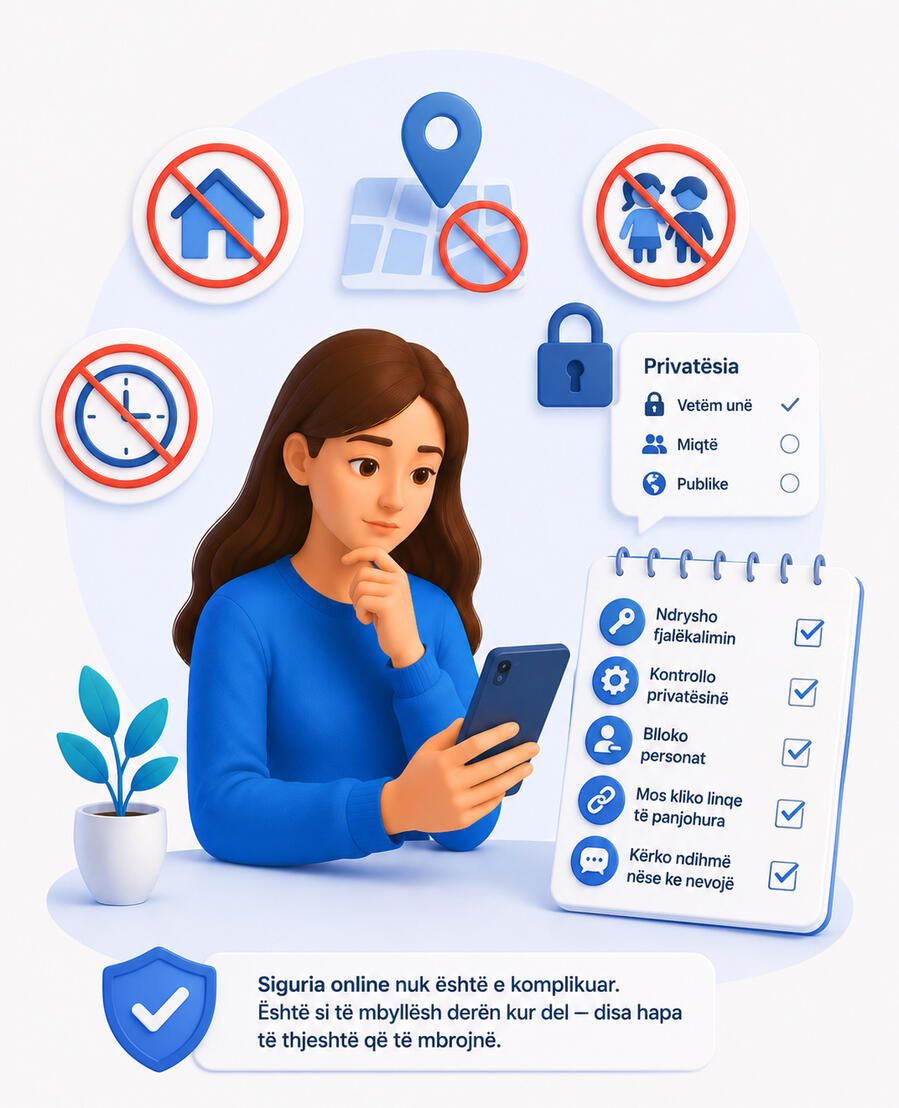
📱Be careful about what you share
Everything you post online — photos, location, personal information — can be seen by someone you do not expect.
Never share online:
• Your home or shelter address
• Your daily schedule — when you go out, where you go
• Photos that show your location
• Information about your children — school, activities
Before posting anything — ask yourself:
"Would I feel comfortable if a stranger saw this?" If the answer is no — do not post it.✅ Five things you can do today:
• Change your password if it is simple
• Check who can see your posts (settings → privacy)
• Block anyone who makes you feel uncomfortable
• Do not click links from numbers or people you do not know
• Talk to staff if you have encountered something worrying online
Disinformation
Is everything we read online true?
Every day news, videos and photos reach us from friends, family and social media. Some are true. Some are not.
Fake news is not always obvious. Sometimes it looks very real. This page helps you tell what is true and what is not.
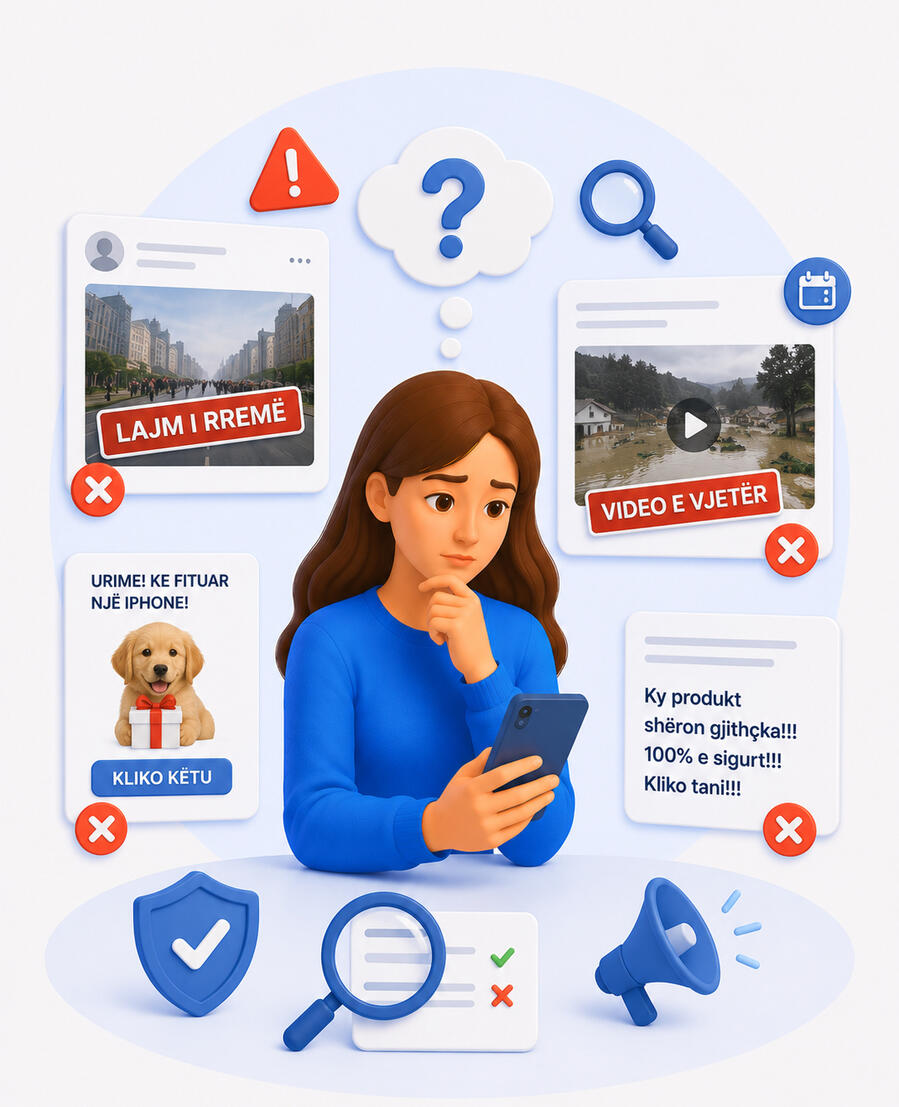
📰 What is fake news?
Fake news is information that is not true — but is shared as if it were.
It can be:
• A completely invented story
• A real photo with false text underneath
• An old video presented as new
• Partial information — true in one part, false in another
Why is fake news spread?
• To frighten people
• To make someone look bad
• To get clicks and money
• To manipulate people’s thinking
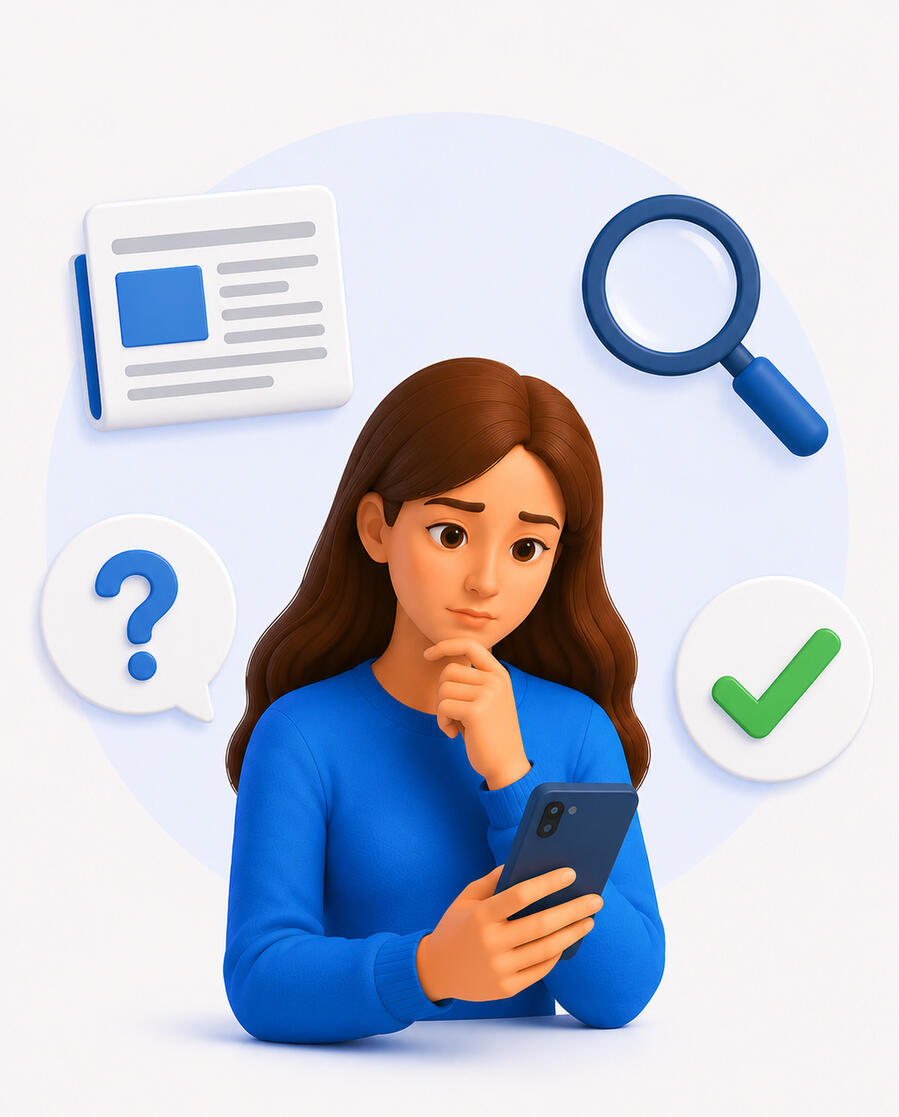
🔍 How to spot fake news?
1. Stop before you click or share
Fake news often have headlines that make you feel:
• Very frightened
• Very angry
• Very surprised
If a piece of news makes you feel this way — stop and check before sharing.2. Check the source
Ask yourself:
• Who wrote this?
• Is it a well known page or an unknown name?
• Does it have a date and an author?
💡 If you cannot find who wrote it — do not believe it and do not share it.3. Search for the same news elsewhere
Search the headline on Google. See if any other well-known site has it too. If something is true — many sources report it. If you only find it in one place — be suspicious.4. Look at the photo carefully
Sometimes old photos or photos from other places are used.
You can check a photo by:
• Right-clicking on the photo
• Selecting "Search image on Google"
• Seeing where this photo has appeared before5. Ask someone you trust
If you are not sure — do not share it. Ask someone — staff, a friend, a family member.
It is always better to ask than to share something false.
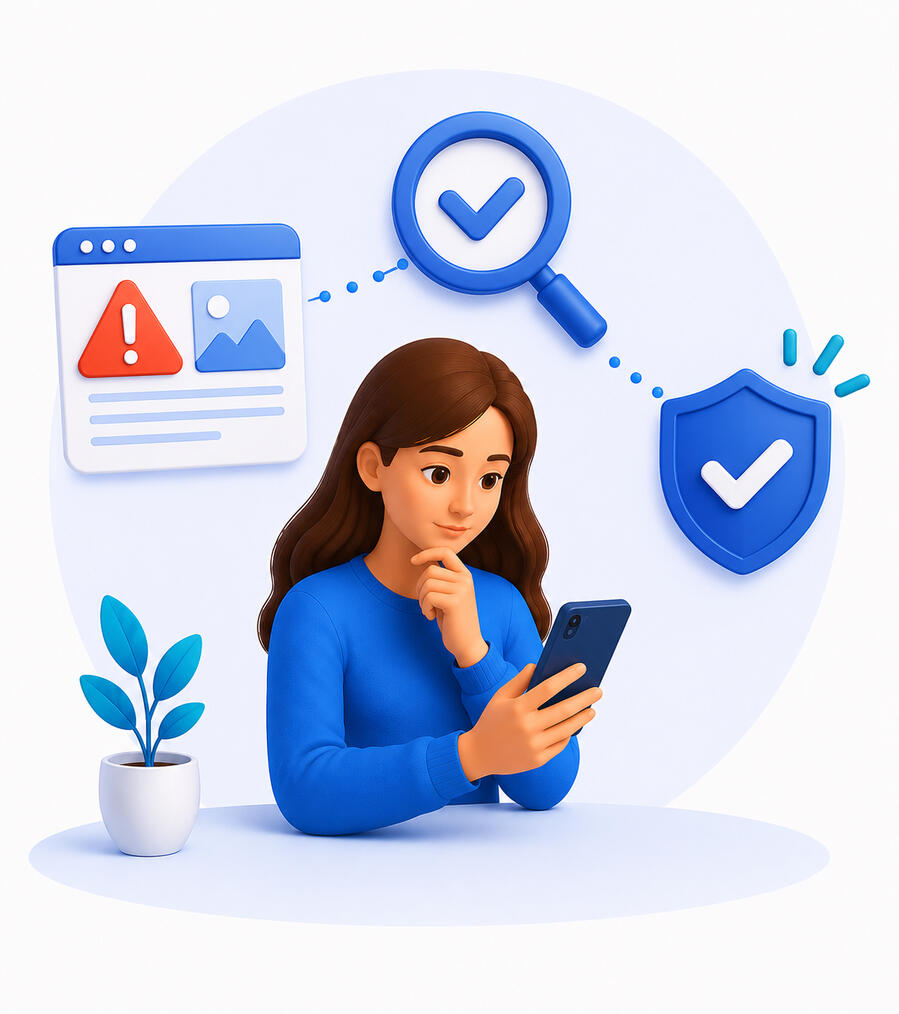
📱 Fake news and us
Fake news can harm us directly:
• It can frighten us for no reason
• It can make us distrust people who are helping us
• It can lead us to make wrong decisions
• It can isolate us from family and friends
⚠️ Important: Sometimes fake news is spread deliberately to frighten women in difficult situations — to stop them from seeking help. If you have heard something that frightens you — speak to staff before believing it.✅ Five things you can do today
• Stop before sharing any news — even if it comes from a friend
• Check who wrote it and when
• Search for the same news in other sources
• Do not share if you are not sure
• Ask someone you trust if you have doubts💪 Not believing everything you read online is not distrust. It is wisdom.
Civic participation
Your voice matters — online too
Civic participation means being part of society — expressing an opinion, claiming rights, reporting a problem, listening and being heard.
Today many of these things happen online. And you have the right to be part of them — safely.
🗳️What is civic participation online?
You do not need to be a politician or activist to be part of society. Civic participation can be something very simple:
• Reporting a problem in your neighbourhood
• Signing an online petition
• Sharing useful information with others
• Commenting or voting on something that affects you
• Seeking information about your rights
• Contacting an organisation that can help you
All of these are forms of participation — and all of them matter.
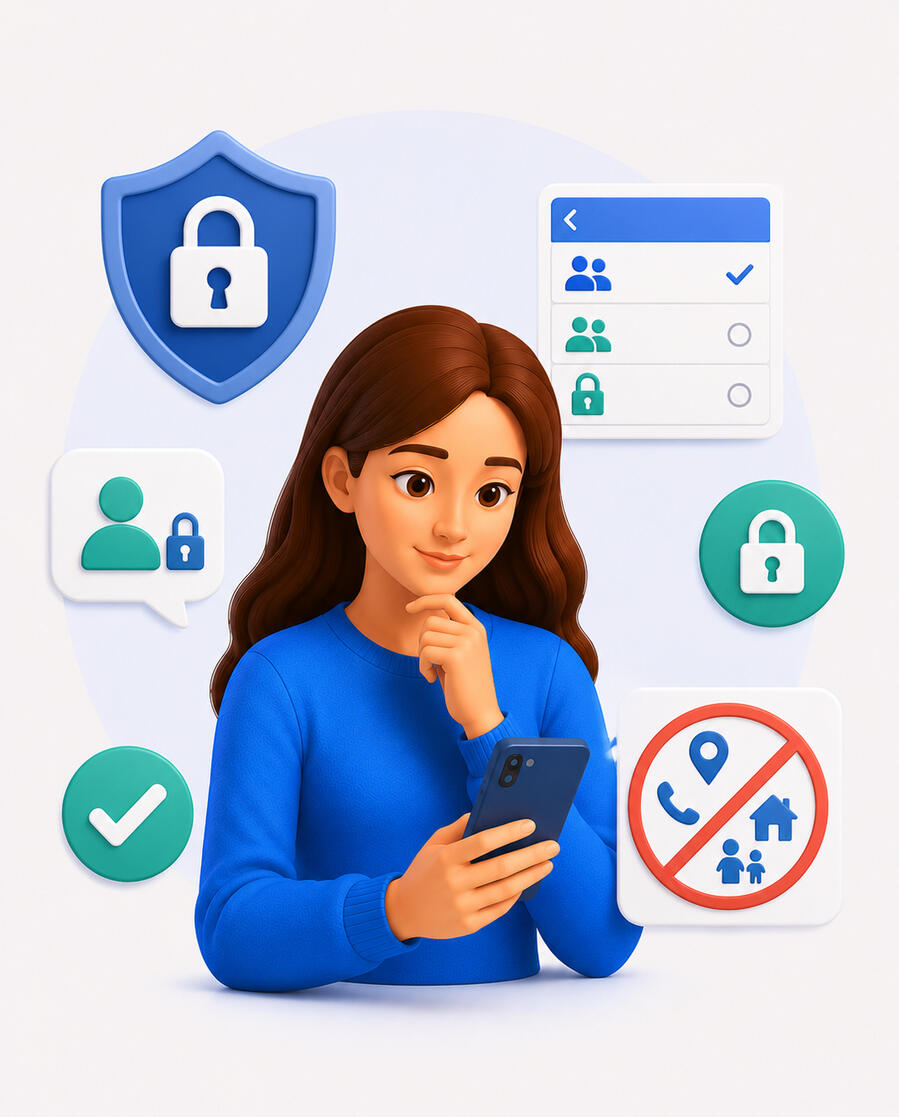
🛡️ How to express yourself safely
Expression online comes with rights — but also risks. Here is how to protect yourself:
Think before you post
Ask yourself:
• Do I want everyone to see this?
• Could this harm me in the future?
• Am I sure this information is accurate?
Check your privacy settings
On Facebook, Instagram and other platforms you can choose who sees your posts:
• Only friends
• Only you
• The general public
💡 If you are not sure — choose "Only friends" or "Only me" until you feel comfortable.
Do not share personal information
Even when speaking out on important issues — do not include:
• Your address
• Your phone number
• Your current location
• Information about your children
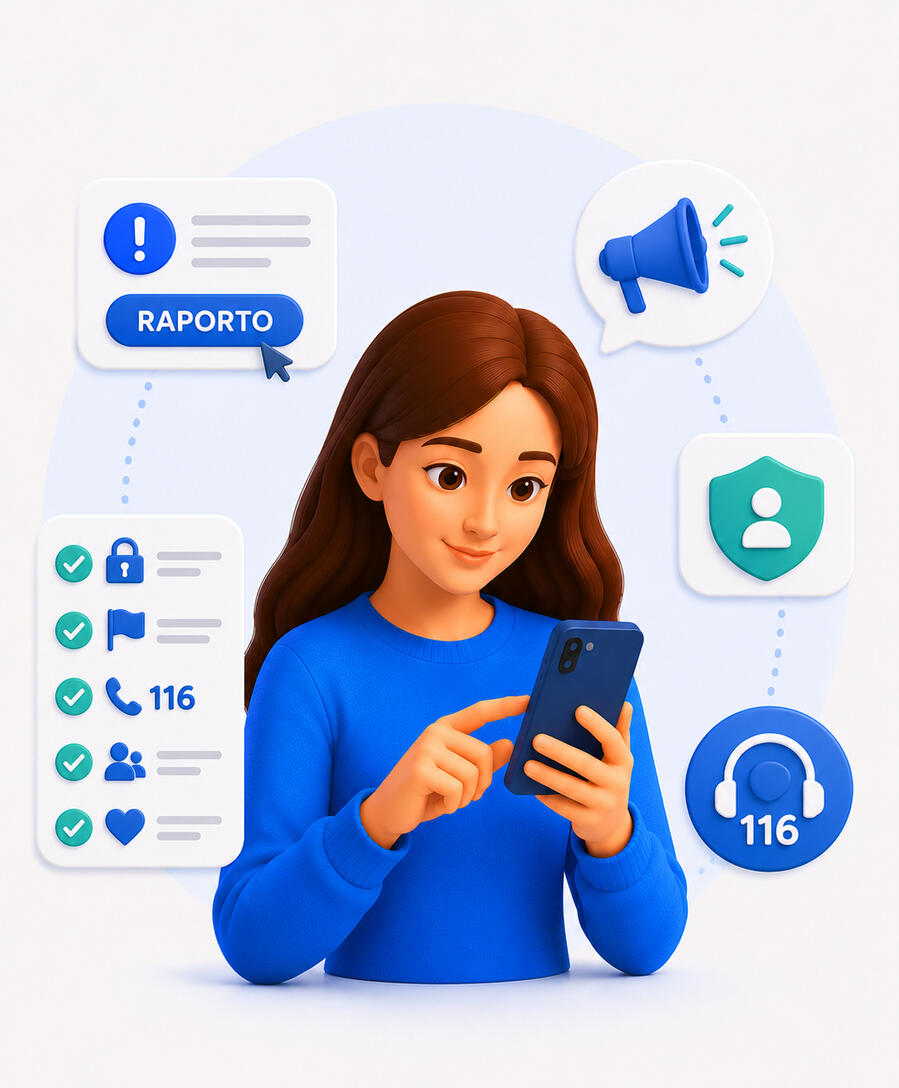
📢 How to report a problem
If you have seen something unfair — online or in real life — you can report it.
Online you can report:
• Abusive or violent content → the "Report" button on every platform
• Harassment or threats → to the platform and to the police
• Rights violations → to organisations like IDPP or civil society organisations
How to report on platforms:
• Go to the problematic post or profile
• Click the three dots (···) or the arrow
• Select "Report"
• Follow the steps — it is simple and anonymous
⚠️ Important: Reporting does not reveal your identity. The person you report will not know it was you.✅ Five things you can do today
• Check the privacy settings on your phone
• Learn where the "Report" button is in the apps you use
• Save the number 116 in your phone
• Share something useful from these modules with a friend or family member
• Trust your voice — it mattersYou do not need to be very tech-savvy to be part of online society. You just need to know your rights — and use them.
🤝 Organisations that can help you
You are not alone. There are organisations in Albania that protect your rights — online too:
Get help now
| Service | What they offer | Contact |
|---|---|---|
| Counselling Line | Free and confindential 24/7 help for women in difficult situations | 116 |
| Police | Emergencies and violence or abuse reporting | 129 |
| Ambulance | Medical emergencies | 127 |
Your rights
| Organisation | What they do | Contact |
|---|---|---|
| IDPP | Personal data protection | idp.al |
| People’s Advocate | If your rights have been violated by any institution | avokatipopullit.gov.al/sq/contact/contact |